Quickstart
This is the one path from a new account to your first run and its evidence. Everything it skips (writing actors, tuning checks, interviews) is a tutorial of its own, linked at the end.
- Time
- About 5 minutes
- Who
- Anyone in a workspace
- You need
- A URL an actor can reach
Create a workspace
Sign in with the six-digit code sent to your email, or continue with Google. Stunt Double then asks you to create a workspace for your team. If a colleague's workspace accepts your email domain, you can join it instead.
Tell it what to test
Enter your product's URL. Stunt Double reads the site, writes actors for the people who use it and picks the flows worth checking first, as checklists in your first project. It takes a couple of minutes, and the project also gets a first agent readiness score from the Stunt Double Index.
No URL yet? Choose I don't have a URL yet and describe the product and who it is for instead. The checklists wait, and run as soon as you add a URL to the project.
Watch your first run
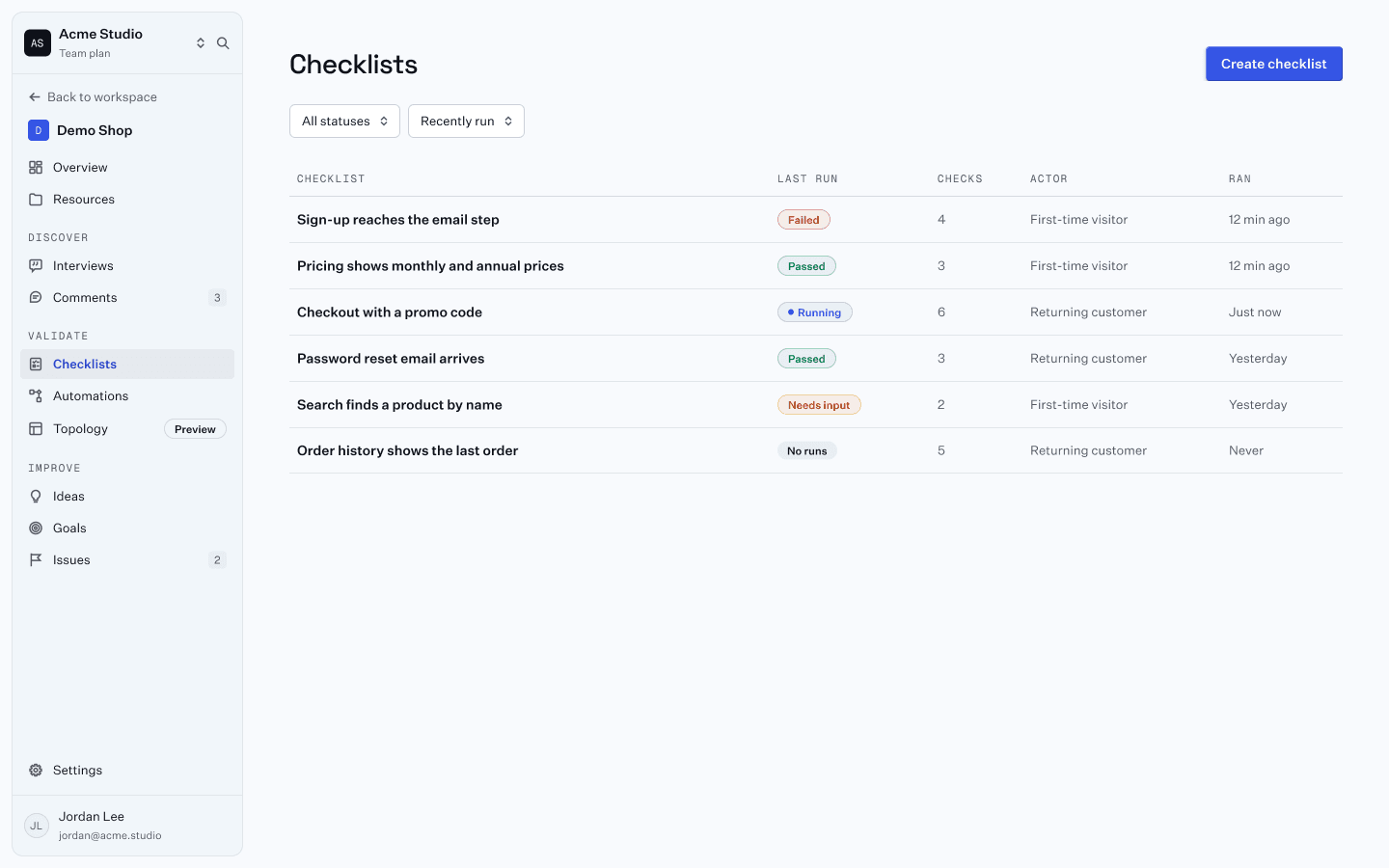
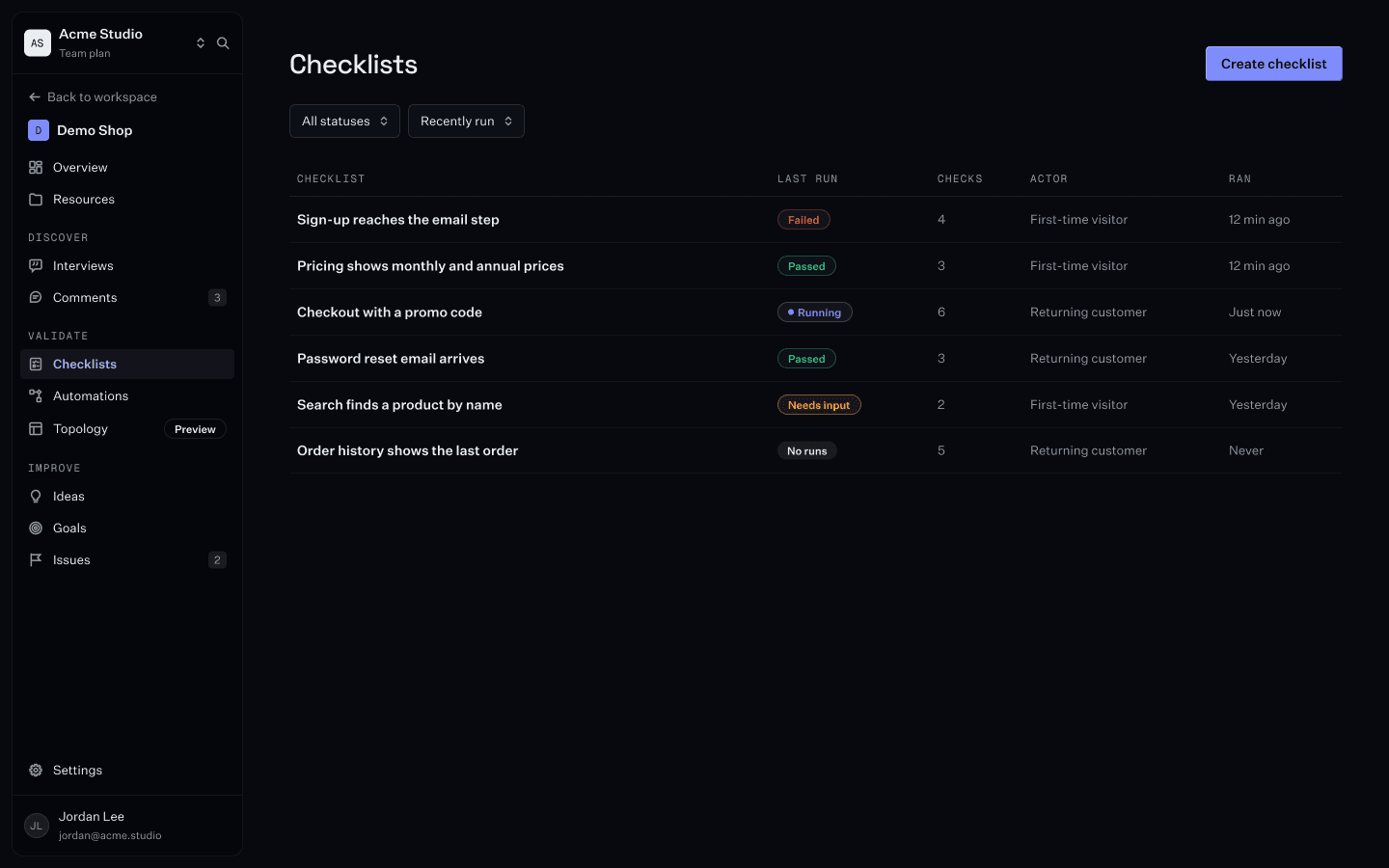
When setup finishes, choose Watch your first run. An actor opens a hosted browser and works through the first checklist while you watch. To run any other checklist, open it from Checklists and press Run.
Read the evidence
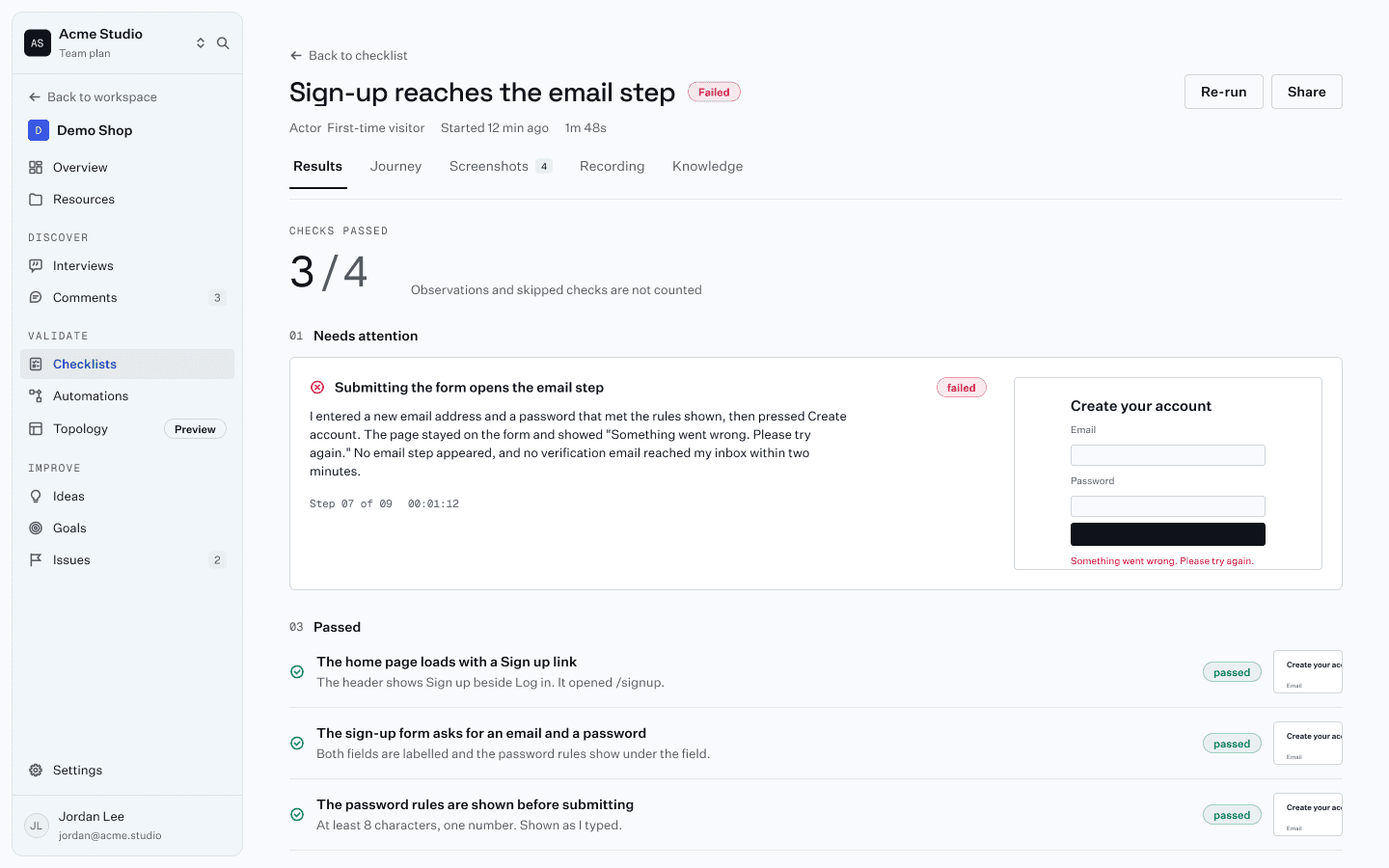
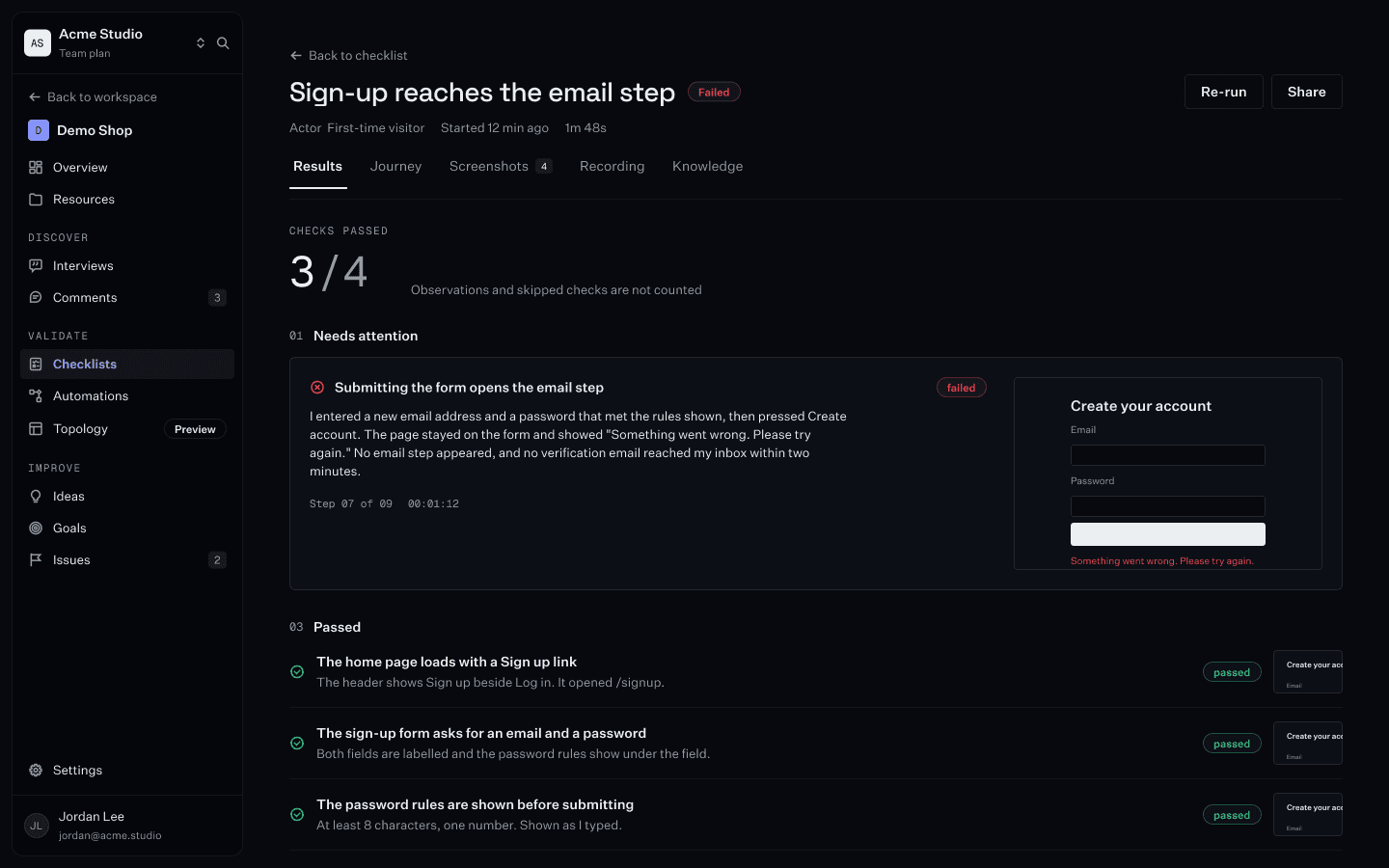
Every run is recorded. Open the finished run to see each check's result with the screenshot the actor took and its explanation, then replay the session if you need more. Failed checks also wait for you on the project's Issues page.
Add a check of your own
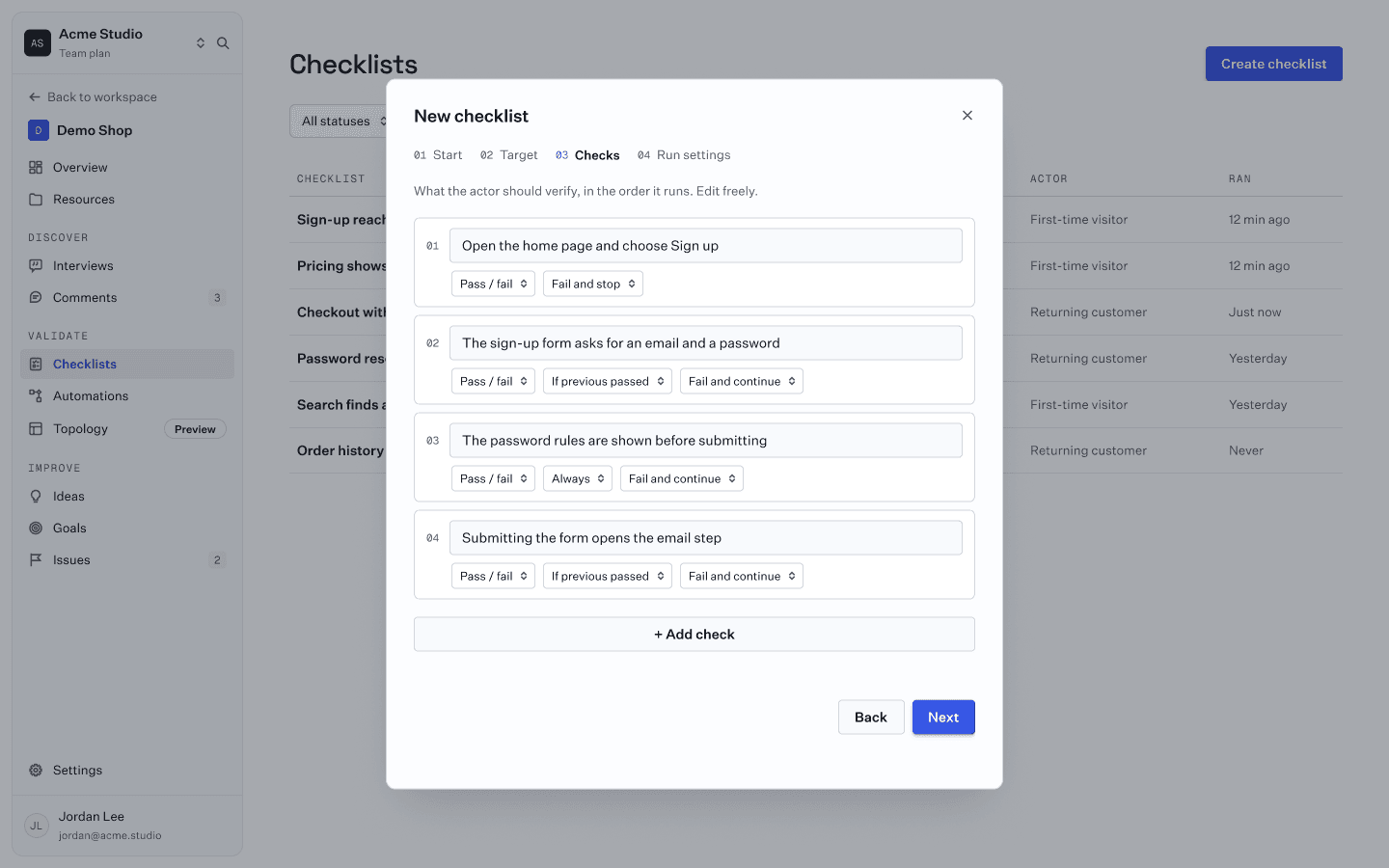
Open Checklists, choose Create checklist and pick a template or Start from scratch. Write each check as a plain-language outcome, such as "Confirm the Pro plan shows a monthly and an annual price", choose the actor and URL, then create the checklist and press Run. The actor works out the clicks.
Next steps
- Build an actor that behaves like your audienceInstructions, personality and knowledge for an actor of your own.
- Write checklists that catch real regressionsOutcome-based checks, scoring, ordering and conditions.
- Connect your toolsRun checks on pull requests, deploys and design changes.
- Drive it from an assistantConnect Claude, Cursor or ChatGPT through the MCP server.